
HUD Reflection Interference Test: Phone Mount Position vs Windshield Ghosting, Night Contrast, and Safer Glance Time
Keywords: hud reflection phone mount test, windshield ghosting phone holder, hud interference windshield mount position, night contrast car mount placement, safer glance time hud navigation, phone mount hud overlap
HUDs and windshield-mounted navigation can work well together, but only when their light paths stay separated. In real driving, drivers often discover a different pattern: ghost reflections, doubled text, or low-contrast glare layers that appear exactly when you need a clean first glance. The mount may be mechanically stable, but the visual stack through the windshield becomes noisy.
This test isolates that overlap problem: phone mount position versus HUD reflection behavior, with emphasis on night contrast and safer glance time. The practical goal is not to prove one universal mounting point. It is to identify placement zones that reduce reflection interference without making navigation awkward or forcing constant brightness changes.
If you want baseline visibility context first, read Summer Sun Glare Readability Test: 12 Mount Positions Compared for Navigation Legibility and Safer Glance Time, Night Driving Glare Test: Screen Brightness vs Mount Height for Safer Glance Time, and Rain and Fog Readability Test: Wet Glass, Mount Height, and Safer Glance Time in Low-Contrast Weather. For sunglasses-specific optical effects, pair with Polarized Sunglasses Phone Screen Test: LCD vs OLED, Mount Angle, and Safer Glance Time in the Car. For sensor-clear placement in modern cabins, compare ADAS Camera and Sensor Safe-Zone Test: Phone Mount Placement for Lane-Assist, Rain Sensor, and Driver Visibility. For windshield ownership patterns over a full month, read Windshield Phone Mount 30-Day Real-World Test: Visibility, Stability, and Daily Pros/Cons.
For quick selection before this optical deep-dive, use MagSafe vs Clamp vs Suction: Which Car Phone Holder Should You Buy in 2026? and Best Car Phone Holders by Driver Type: Commuter, Rideshare, Truck, Family, and Delivery Use Cases (2026).
How the HUD interference test was run
I used repeated evening and night commutes with active HUD projection and turn-by-turn navigation, covering urban stop-go traffic, darker arterial roads, and short highway segments. I cycled mount positions across:
- high windshield near mirror and HUD projection neighborhood - high-offset windshield zones - mid-height dash and vent alternatives
Each run logged:
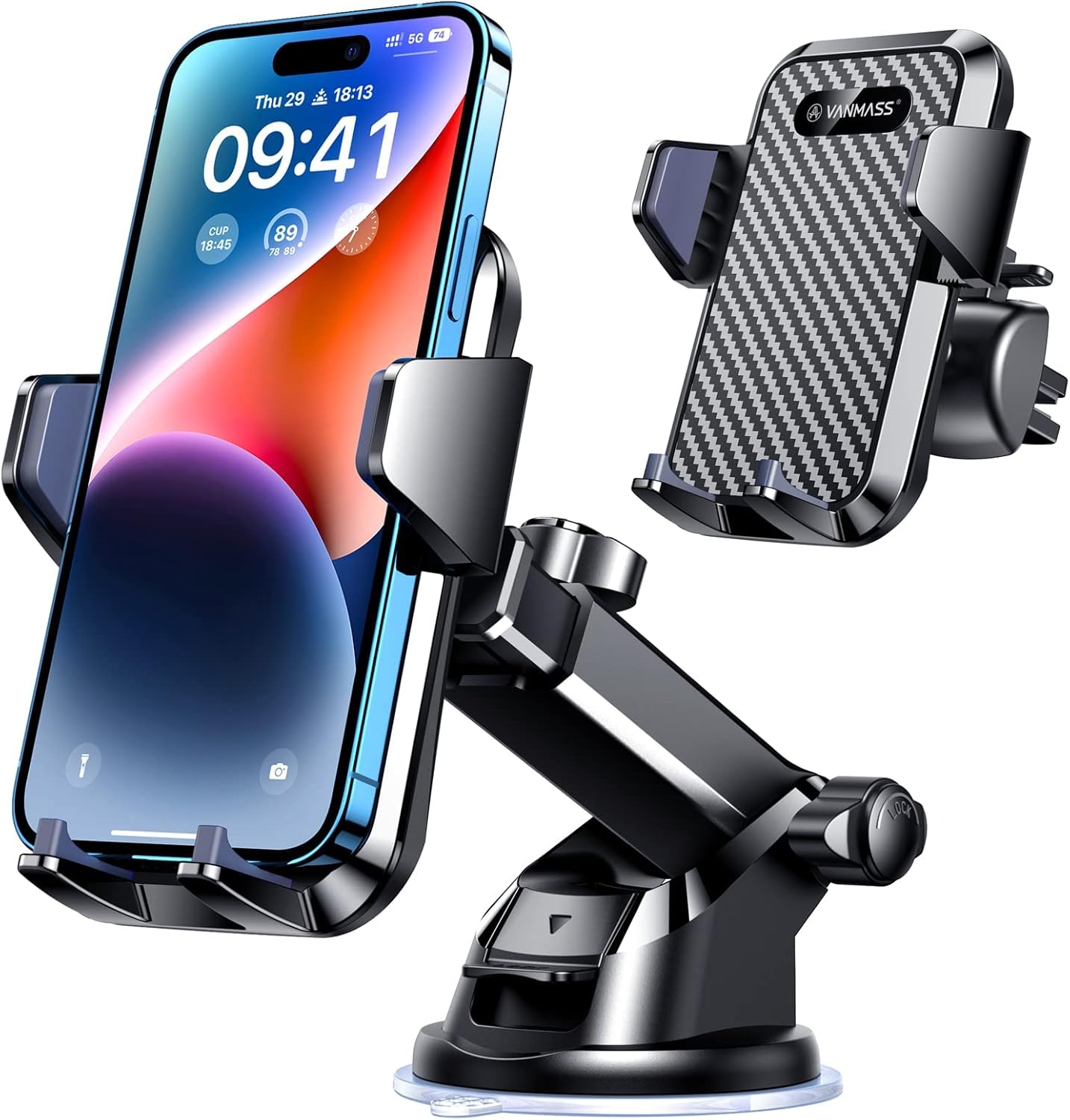
Flexible anchor for separating HUD projection space from phone map sightlines.
Check Price on Amazon1) first-glance navigation legibility 2) visible ghosting/double-image intensity at normal posture 3) whether HUD information remained easy to parse during lane and speed checks 4) second-glance frequency when reflection layers overlapped 5) correction touches for angle/brightness during active traffic 6) overall comfort trusting both HUD and phone map together
The key metric was safer glance flow: fewer repeated checks and fewer moments of "which layer am I reading?" confusion.
Phase 1: high-center placement looks good parked, then degrades in motion
In parked checks, high-center windshield positions often looked sharp. In moving night conditions, those same placements were more likely to intersect HUD projection paths or reflective windshield bands. The result was not total unreadability; it was intermittent ambiguity, which is worse because it encourages repeated verification glances.
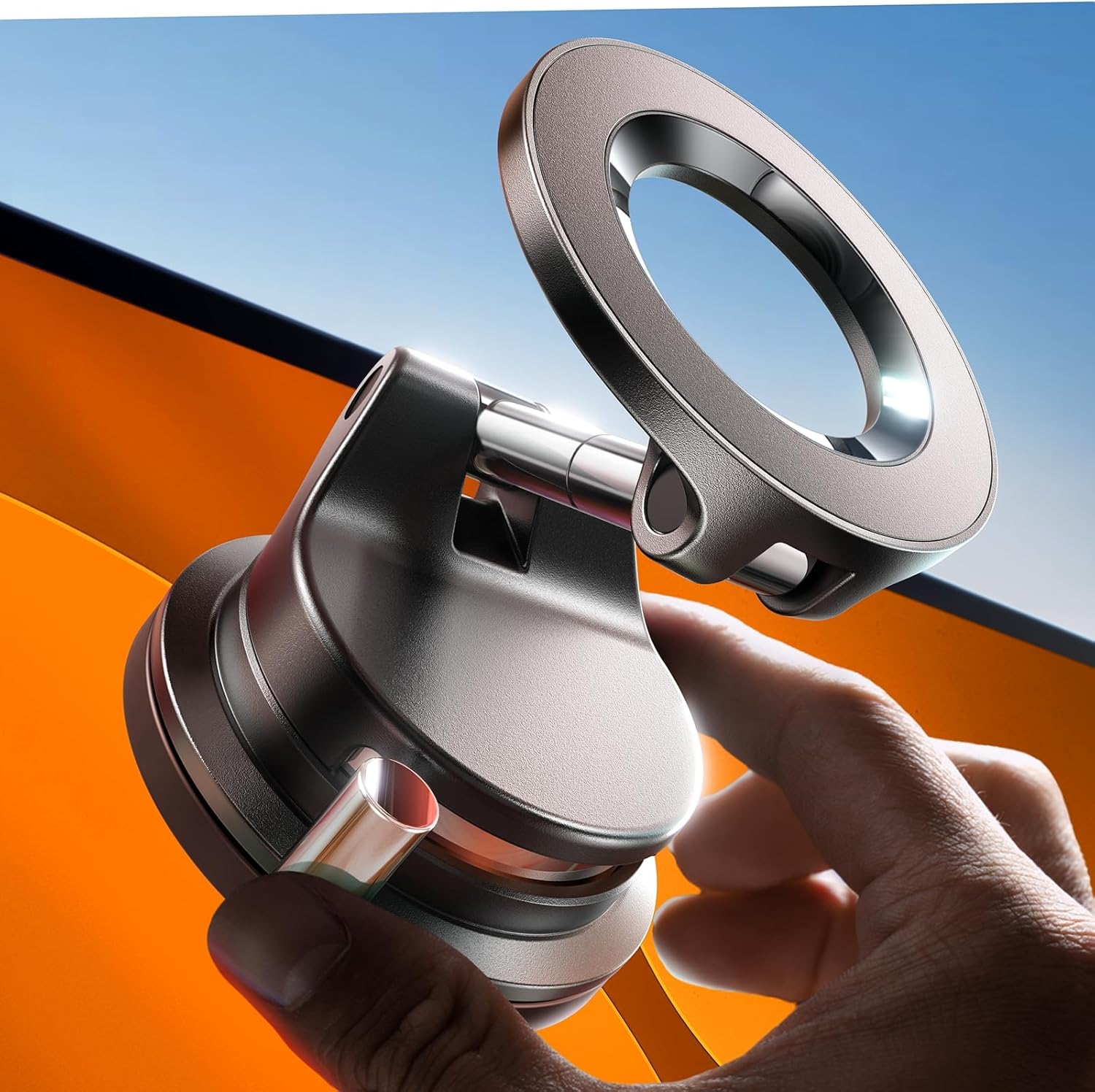
Tri-axis control point for dialing out ghosting overlap without losing map readability.
Check Price on AmazonA practical finding repeated quickly: if HUD text and map elements start competing in the same visual region, cognitive load rises even before either layer fully fails.
Phase 2: high-offset and mid-height alternatives
Shifting slightly off center reduced overlap in many cabins, but not all. Offsets that solved HUD stacking sometimes created longer eye travel or awkward reach. Mid-height dashboard and vent-adjacent placements usually provided the best compromise: cleaner windshield view for HUD content while keeping map glance cycles short enough for routine navigation.
This aligns with day-to-day behavior seen in VANMASS 85+LBS Car Phone Mount Review: Strong Hold, Real-World Tradeoffs, LISEN A608 MagSafe Vacuum Mount Review: Strong Hold, Fast Repositioning, and Real-Use Tradeoffs, VICSEED 2026 MagSafe Car Phone Holder: In-Depth Review, and TORRAS Military-Grade Phone Holders for Your Car?96+LBS Strongest Suction?, where "works well" depends on angle retention and placement consistency, not headline grip alone.

Magnetic baseline for low-clutter windshield/dash placement under HUD use.
Check Price on AmazonPhase 3: brightness is secondary after geometry
Drivers often try to brute-force HUD interference with brightness changes. That helped less than expected unless geometry was already good. Brightness tuning can reduce harshness, but it cannot fully resolve overlapping light paths when mount position sits in a reflection-prone zone.
The better sequence was consistent:
1) move the mount out of the overlap neighborhood 2) set conservative tilt 3) then tune brightness for the darkest likely segment
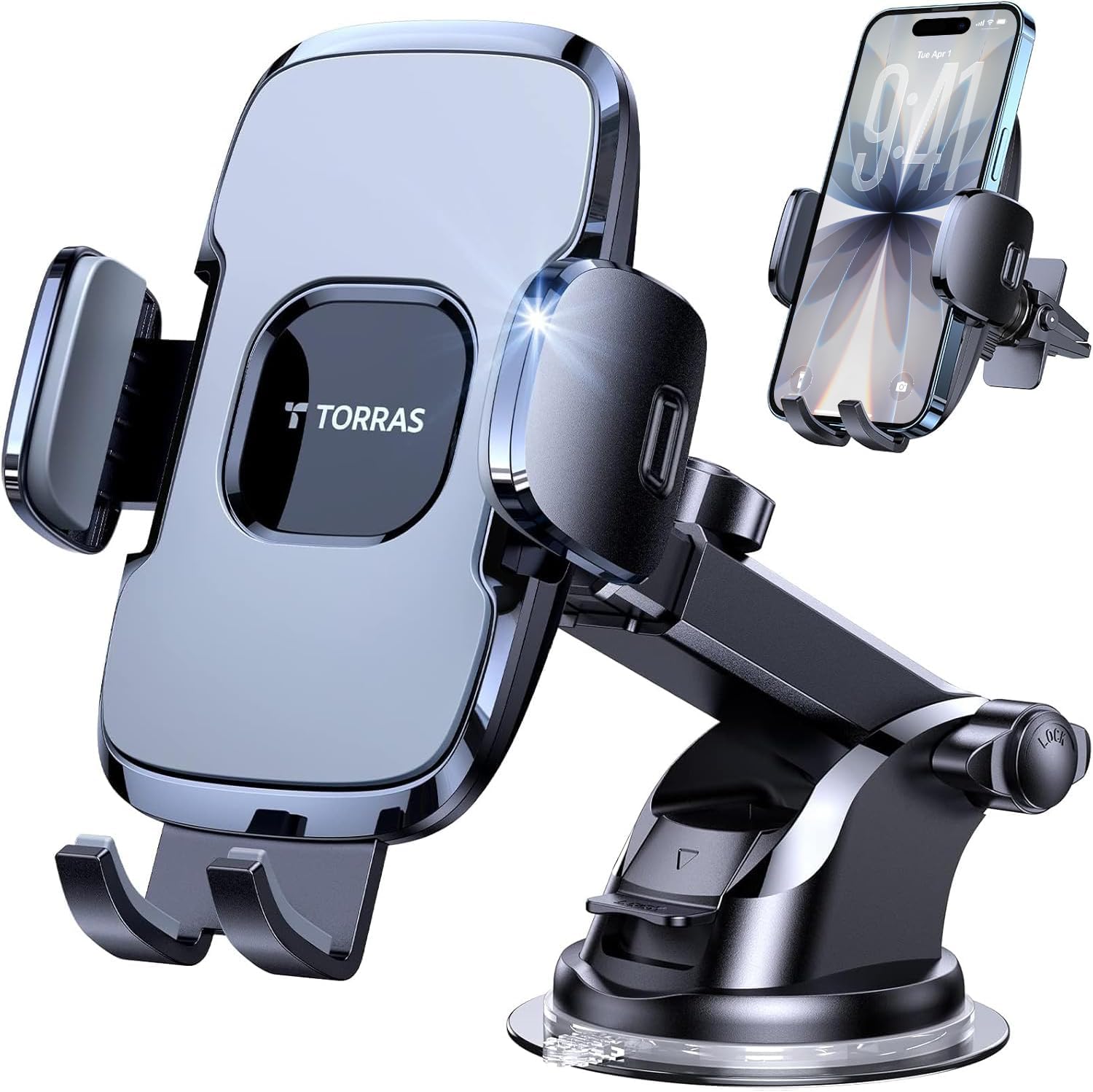
High-hold windshield reference for tracking reflection drift over repeated night runs.
Check Price on AmazonPhase 4: vibration and drift quietly reintroduce interference
A setup that starts clean can drift into HUD conflict after rough roads or repeated one-hand adjustments. This is where long-run mechanical behavior matters as much as initial optics. Pair this with Mount Arm Joint Fatigue Test: 45-Day Hinge Wear, Sag Rate, and Re-Tightening Frequency Across Mount Types and Pothole Test for Car Phone Mounts: 100 Sharp Hits and First-10-Minute Re-Aim Results. If a mount slowly creeps upward, HUD overlap can return even when day-one placement was correct.
Practical HUD-safe setup checklist
- Avoid placing the phone in the same visual lane as HUD projection and mirror-neighborhood reflections. - Prefer mid-height center-biased dashboard or carefully offset windshield zones before defaulting to high-center glass. - Lock tilt first, then brightness; reversing that order usually wastes time. - Re-check position weekly if your commute includes rough roads, because small drift can reintroduce ghosting.
Window tint phone mount placement week: Window Tint and Phone Mount Week: Placement, Glare, and Readability (12 Days I Actually Drove).
Final takeaway
HUD readability and phone navigation can coexist smoothly, but only when placement respects reflection geometry. Across these runs, safer glance time improved most when drivers treated HUD and phone as a shared optical system instead of two independent displays.
If your HUD feels harder to trust after adding a windshield mount, treat that as a placement signal, not a hardware mystery. A small relocation often restores both map clarity and HUD confidence.
For ADAS and sensor-neighborhood placement strategy, read ADAS Camera and Sensor Safe-Zone Test: Phone Mount Placement for Lane-Assist, Rain Sensor, and Driver Visibility.
For night and weather readability behavior that compounds with windshield reflections, pair with Night Driving Glare Test: Screen Brightness vs Mount Height for Safer Glance Time and Rain and Fog Readability Test: Wet Glass, Mount Height, and Safer Glance Time in Low-Contrast Weather.
For long-run windshield mount behavior in daily commuting, read Windshield Phone Mount 30-Day Real-World Test: Visibility, Stability, and Daily Pros/Cons.
For open-window and top-down airflow stress layered onto windshield readability, see Convertible Top and Open-Window Vibration Test: Mount Stability, Wind Noise, and Glance Readability at 30-70 mph.
For seat-height effects on HUD overlap risk and glance path tuning, compare with Tall SUV and Pickup Seat-Height Test: Mount Position, Reach Arc, and Glance-Time Safety vs Sedans.
Screen-heavy EV dash and windshield placement diary (Model 3 / Model Y class): Model 3 and Model Y Phone Mount Field Test: 21 Days on Soft Dash, Long Glass, and Heat-Soak Re-seat Reality.
Review articles
View all →![ANDERY Car Phone Holder for Magsafe [78+LBS Strongest Suction] - article prod...](https://m.media-amazon.com/images/I/41vEvhI9M7L._AC_SL1500_.jpg)
