Map-App UI Density Test: Google Maps vs Apple Maps vs Waze on Mount Readability, Touch Error Rate, and Safer Glance Time
Keywords: google maps vs waze vs apple maps driving, map app ui density car mount readability, navigation touch error rate test, safer glance time map app comparison, car mount app readability study, best map app interface for driving
Drivers often blame the mount when navigation feels hard to read, but the app interface itself can be the bigger variable. Even with identical hardware and placement, different map apps present different UI density: lane cues, alert banners, icon clutter, route overlays, and touch target spacing. That changes glance-time behavior and touch error rate more than many people expect.
This test isolates the software layer on top of the same mount setup. I compared Google Maps, Apple Maps, and Waze in matched commuting conditions to measure readability, tap accuracy, and second-glance frequency. The objective is practical: which UI patterns stay clearer with less interaction friction when mounted in real driving posture.
If you want baseline hardware/position context first, read Portrait vs Landscape Navigation Test: 30-Day Turn-Clarity, Lane-Change Confidence, and Touch Error Rate, Summer Sun Glare Readability Test: 12 Mount Positions Compared for Navigation Legibility and Safer Glance Time, and Night Driving Glare Test: Screen Brightness vs Mount Height for Safer Glance Time. For weather and optical context, pair with Rain and Fog Readability Test: Wet Glass, Mount Height, and Safer Glance Time in Low-Contrast Weather and Polarized Sunglasses Phone Screen Test: LCD vs OLED, Mount Angle, and Safer Glance Time in the Car. For repeat interaction behavior in shared cars, compare Shared Vehicle Memory Test: Keep Mount Position Consistent Across Two Drivers Without Daily Re-Adjustment.
How the app-density test was run
I used matched route blocks with repeated maneuver types: dense city turns, multi-lane connectors, and short highway exits. The mount position, phone class, and brightness discipline stayed fixed as much as possible while only the app changed.
Each app session logged:
1) first-glance instruction clarity 2) second-glance frequency during complex segments 3) touch error rate on common actions (zoom, route options, mute/report controls) 4) lane-change confidence timing 5) visual clutter tolerance in sun and night windows 6) cumulative interaction fatigue by end of commute
The core metric was safer glance flow under real prompt timing, not preference in a parked car.
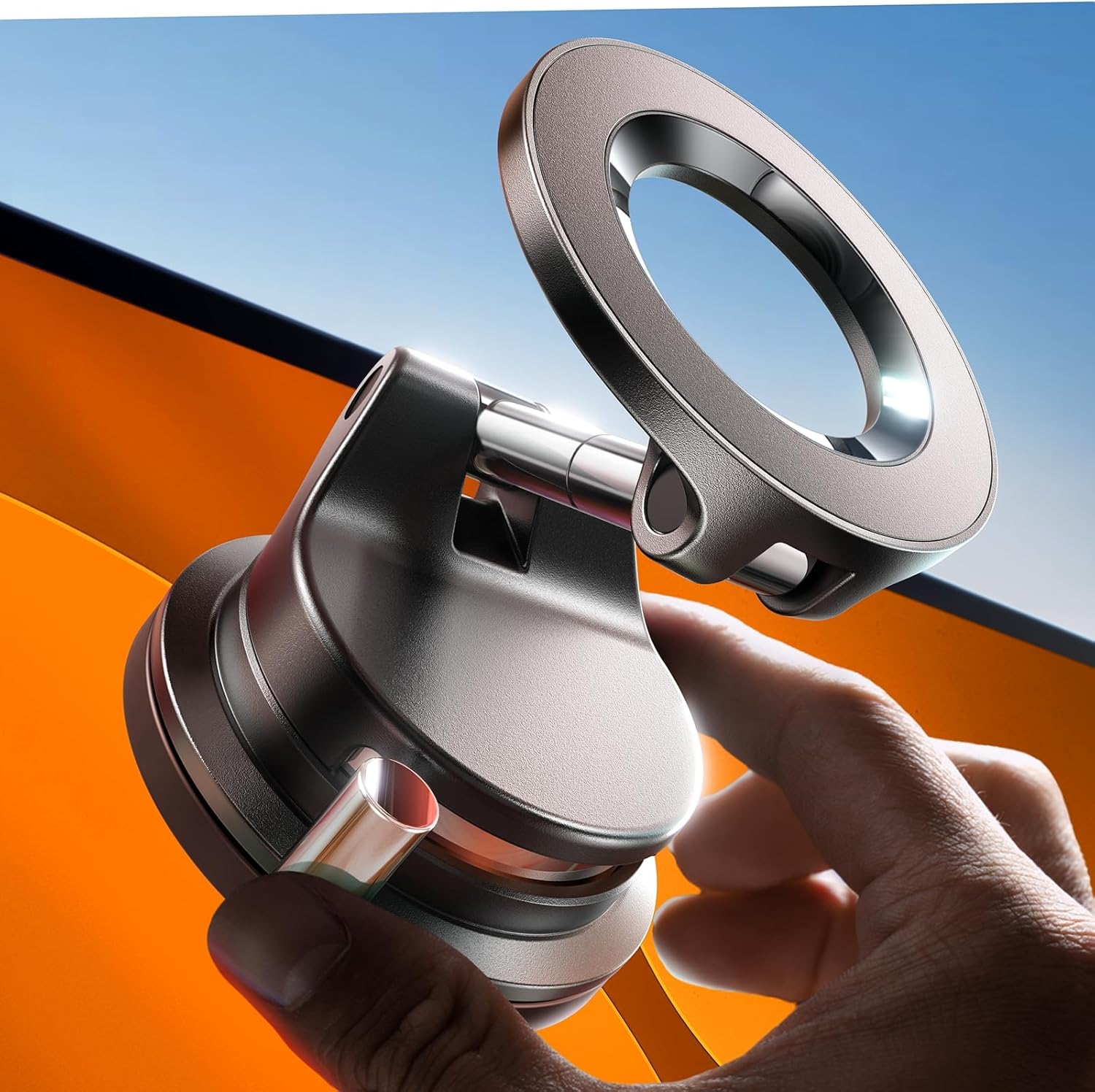
Stable tri-axis baseline for comparing app UI density without frequent repositioning noise.
Check Price on AmazonPhase 1: UI density shifts cognitive load immediately
In the first matched runs, all three apps were usable, but their visual workload differed. Higher on-screen density can improve context for some drivers while increasing scan time for others. Simpler layouts reduced immediate clutter but sometimes hid detail that became useful near interchanges.
The key result: readability is not just brightness and mount angle. It is information packaging under time pressure.
Phase 2: touch targets and correction loops
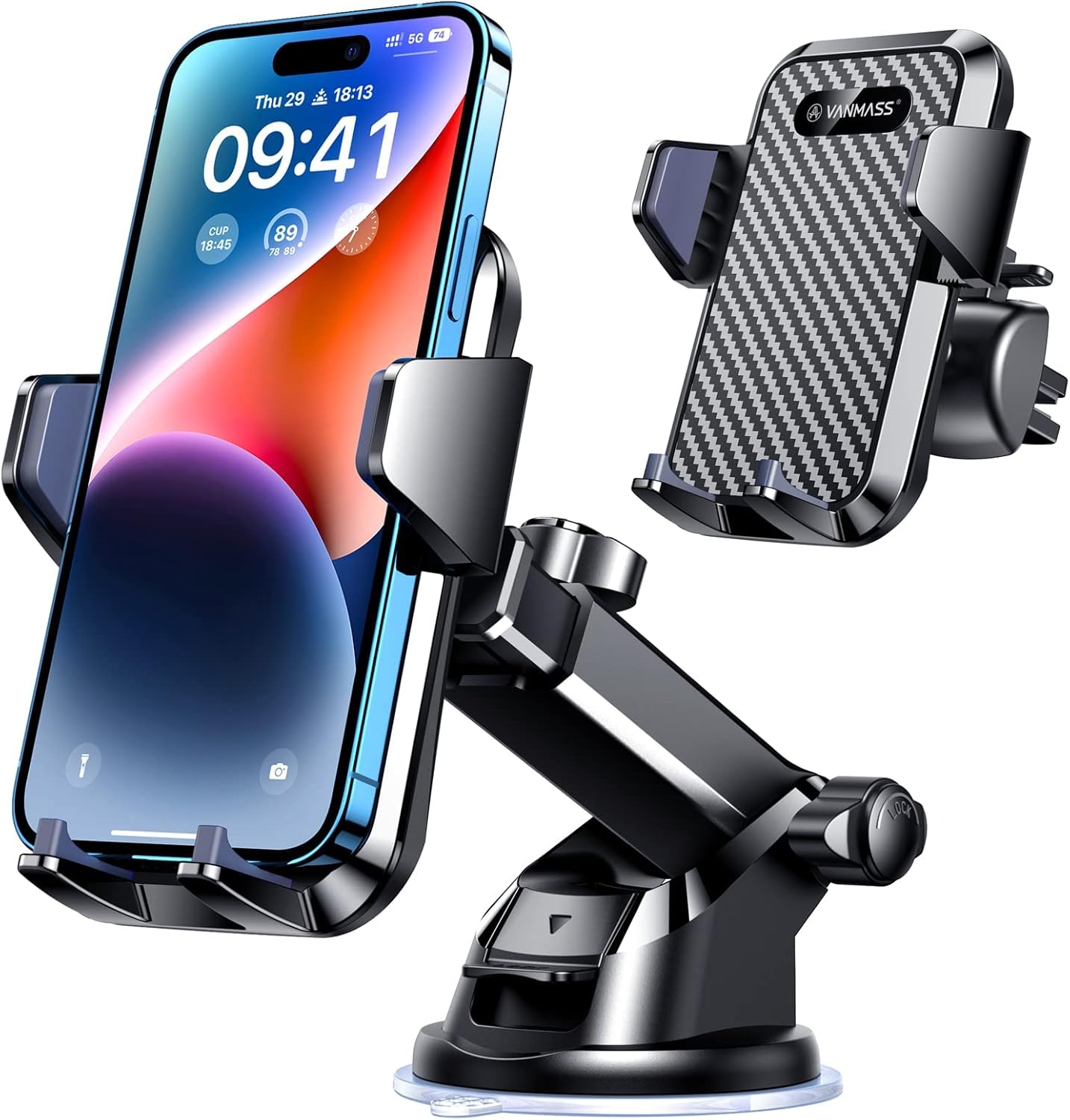
Multi-anchor control for app readability across mixed route classes and glance angles.
Check Price on AmazonTap behavior separated outcomes quickly. When touch targets were tighter or action placements varied between screens, error corrections increased. Even small misses create extra glance cycles, especially in stop-go traffic.
Apps with clearer action hierarchy generally produced lower correction count on repeated daily use, even when visual style was not the driver's subjective favorite.
This fits interaction patterns already documented in One-Hand Docking Speed Test: 15 Mount Types Ranked by First-Try Success in Stop-and-Go Traffic and Passenger-Side Reach Test: 25 Daily Hand-Off Scenarios for Driver-Passenger Sharing, Dock Speed, and Safety: every extra motion matters once repeated dozens of times.
Phase 3: lighting windows change app ranking

Magnetic setup reference for touch-error tracking under repeated app interactions.
Check Price on AmazonIn bright sun, contrast strategy and lane-banner legibility became more important than map aesthetics. At night, overly bright overlays and dense incident markers could feel tiring faster, even when technically readable.
This is why app ranking moved across conditions: one interface could feel superior in midday and average at night, while another felt calmer in low-light windows.
The practical takeaway is to tune app settings with your mount environment, not treat app choice as static.
Phase 4: route type vs interface style

Vent-side comparison for map UI readability under frequent one-hand control input.
Check Price on AmazonCity-grid routing favored interfaces that surfaced next-step detail early with minimal touch intervention. Highway/interchange routing favored layouts with cleaner lane-context interpretation at glance speed.
No single app won every route profile. The best daily outcome came from matching app UI behavior to your dominant commute pattern and your mount's readability envelope.
Product-level context for mount consistency
These software effects were easier to evaluate on setups with stable angle retention, which is why practical references from LISEN A608 MagSafe Vacuum Mount Review: Strong Hold, Fast Repositioning, and Real-Use Tradeoffs, VANMASS 85+LBS Car Phone Mount Review: Strong Hold, Real-World Tradeoffs, VICSEED 2026 MagSafe Car Phone Holder: In-Depth Review, and Lamicall 2026 Wider Clamp Vent Mount Review: Strong Daily Value with Real Vent-Mount Limits remain relevant: if hardware drifts, app-level comparisons become noisy.
Practical map-app selection checklist
- Test each app on your real route class for three to five days, not one drive. - Track only three numbers: second-glance count, touch misses, and late lane decisions. - Keep mount position constant during app comparison or the result is confounded. - Use separate day/night settings where available; one profile rarely fits both perfectly.
Final takeaway
Map-app UI density is a real safety and usability variable, not just a style preference. Across matched runs, the best app for mounted driving was the one that minimized correction loops and second-check glances on your actual route type.
If your current setup feels mentally noisy despite stable hardware, test app interface behavior systematically before replacing the mount.
For orientation interaction under live routing, read Portrait vs Landscape Navigation Test: 30-Day Turn-Clarity, Lane-Change Confidence, and Touch Error Rate.
For lighting-driven readability constraints that shape app performance, pair with Summer Sun Glare Readability Test: 12 Mount Positions Compared for Navigation Legibility and Safer Glance Time and Night Driving Glare Test: Screen Brightness vs Mount Height for Safer Glance Time.
For shared-driver consistency where app habits differ by person, compare with Shared Vehicle Memory Test: Keep Mount Position Consistent Across Two Drivers Without Daily Re-Adjustment.
For a full hardware-plus-usage roundup after app-layer findings, see The Best Car Phone Mounts for 2026.
For iPhone charger selection where app interaction density changes daily load, compare with Best MagSafe and Magnetic Wireless Chargers for iPhone 2026.
For quick selection before deeper testing, use MagSafe vs Clamp vs Suction: Which Car Phone Holder Should You Buy in 2026? and Best Car Phone Holders by Driver Type: Commuter, Rideshare, Truck, Family, and Delivery Use Cases (2026).
For value picks where software interaction load affects perceived quality more than price, compare with Yes, a $20 Car Phone Mount Can Actually Beat the Pricey Ones; Here Are the Best of 2026.
Related cabin diary when Wireless CarPlay still leaves the phone as primary navigation: Wireless CarPlay and Phone-Primary Navigation: Mount Height, Reach, and Split-Attention Field Notes.
Wireless Android Auto–first mount and reconnect diary: Wireless Android Auto First: 18-Day Mount, USB Power, and Reconnect Rituals When the Dash Map Still Is Not Enough.
Gig delivery shift simulator mount diary (maps, timers, messaging): Gig Delivery Shift Simulator Phone Mount Test: 10 Days of Maps, Timers, Messaging, and Dock Fatigue.
Speakerphone and voice assistant mount placement diary: Speakerphone and Voice Assistant Week: Mount Height, Cabin Noise, and the Geometry of “Can You Hear Me Now”.
Review articles
View all →![ANDERY Car Phone Holder for Magsafe [78+LBS Strongest Suction] - article prod...](https://m.media-amazon.com/images/I/41vEvhI9M7L._AC_SL1500_.jpg)
